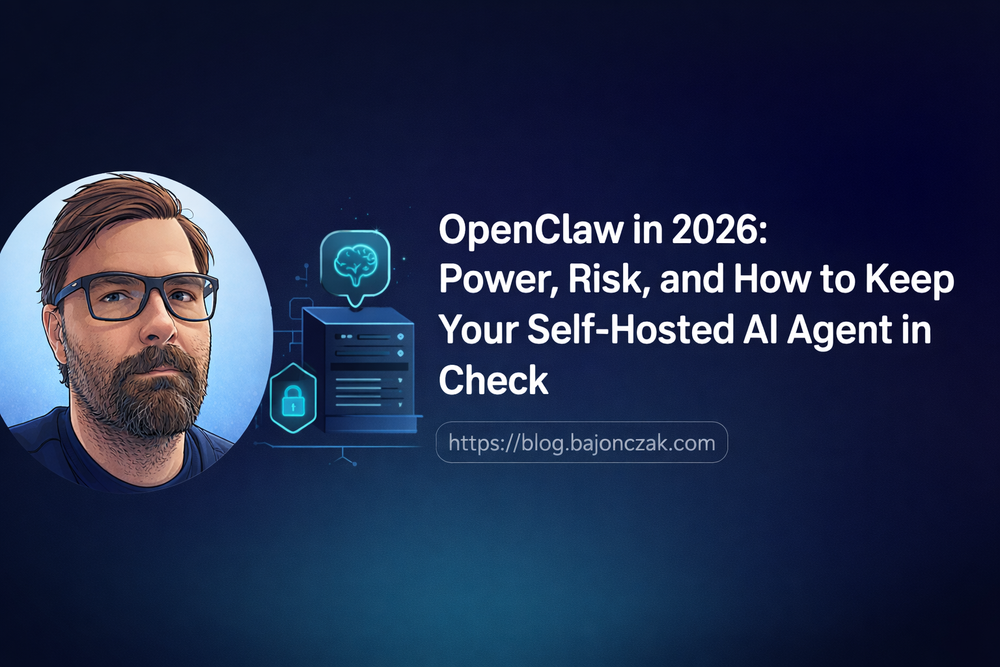
OpenClaw in 2026: Power, Risk, and How to Keep Your Self-Hosted AI Agent in Check
OpenClaw is one of those projects that looks harmless in a README and very different once you’ve given it real access to your life.
From the outside it’s “just” a self-hosted AI agent:
- a control plane on your own machine or VPS,
- a chat interface where you “DM your assistant like a friend”,
- and skills that let it work with your files, calendar, home automation, dev tools, etc.
From the inside it’s something else:
You’re effectively giving an AI a remote control for everything you can do on that system.
That’s both the point and the risk.
In this post I want to walk through how I see OpenClaw in 2026 from a security angle:
- what it actually is,
- why self-hosted doesn’t automatically mean “safe”,
- a few concrete misconfiguration risks that have already shown up in the wild,
- and some practical hardening advice – plus a couple of use cases where the trade-off is worth it.
What OpenClaw actually is (in practice)
If you strip away buzzwords, OpenClaw is:
- a daemon that runs under your user account (on a server, a Mac Mini, a VM…),
- a toolbox for AI agents: shell access, HTTP, file I/O, messaging, cron, browser automation, …
- a chat/control surface (Telegram, Signal, Discord, web UI) to talk to that daemon,
- and a skills system that wires specific workflows together.
The security model is very simple:
The agent can do anything you can do on that machine, plus whatever external APIs you wire in.
That’s powerful:
- you can have an AI look through log files,
- auto-generate blog drafts,
- monitor services,
- interact with Jira, M365, home automation, dev tools, etc.
But it’s also a clear warning sign: if you wouldn’t trust a human with your shell and API keys, you shouldn’t trust an unconstrained agent with them either.
Self-hosted ≠ automatically safe
A lot of people mentally equate “self-hosted” with “secure”.
That’s not how it works.
Self-hosted AI agents like OpenClaw remove one layer of risk:
- Your control plane and context live on a machine you manage.
- Data doesn’t flow through a SaaS provider’s infrastructure (beyond the LLM API you choose).
But they add another layer:
- You have to harden the host yourself.
- You are responsible for network exposure, API keys, file permissions, cron jobs, etc.
- If you misconfigure it, there is no vendor kill switch.
The security posture of OpenClaw is basically:
As secure as the machine you run it on, and as careful as you are with its capabilities.
That can be very good – or very bad.
Common risk patterns we’re already seeing
When you look at write-ups from cloud providers and security firms around OpenClaw, a few themes show up:
1. Exposed instances on the public internet
- Some people run OpenClaw on a VPS and expose the control port directly to the internet (no firewall, no reverse proxy, default config).
- If there’s any bug or weak auth in the control channel, you’ve essentially opened a remote shell to anyone who finds it.
Mitigation:
- keep the control plane behind a VPN / private network,
- or at least protect it with a reverse proxy (nginx, Caddy) + strong auth + IP restrictions.
2. Running as root / with too-broad permissions
- Running OpenClaw as root means any agent action is effectively root.
- Even as a normal user, if that user has passwordless sudo or access to sensitive directories, the agent inherits that power.
Mitigation:
- run OpenClaw under a dedicated, least-privilege user,
- restrict that user’s access to only what the agent really needs,
- avoid passwordless sudo or broad sudoers rules tied to that account.
3. Dropping secrets and API keys directly into skills
- Hardcoding API keys in skill scripts or environment without scoping them.
- Giving the agent “all the keys to everything” instead of per-skill/per-service keys with tight scopes.
Mitigation:
- keep secrets in a dedicated, minimal
.envor secrets manager, - use different keys/tokens per service with least privilege (e.g. read-only where possible),
- never give the agent access to banking, HR, or other high-risk systems unless you really know what you’re doing.
4. Over-trusting model behaviour
- Prompting an LLM to “run whatever commands you think are needed” without guardrails.
- Letting it auto-accept or auto-execute actions from external inputs (webhooks, emails, chat, etc.).
Mitigation:
- keep a human in the loop for destructive or sensitive actions,
- design skills so that the agent proposes actions, but you confirm,
- log actions and review unusual commands.
Practical hardening tips for an OpenClaw deployment
If I had to summarise a baseline hardening checklist for a serious OpenClaw instance:
1. Use a dedicated user and machine
- Run OpenClaw under a user (
openclaw,ai-agent, …) that: - has no sudo rights,
- only has access to directories you consciously allow (workspace, logs, some project folders).
- Prefer a dedicated VPS or small server over your daily-use laptop.
2. Keep the control port private
- Bind the control server to
localhostor a private network interface. - Use a VPN (WireGuard, Tailscale) or SSH tunnelling for remote access.
- If you must expose it via HTTP(S), put it behind a reverse proxy with:
- HTTPS,
- strong auth (OIDC, access tokens, IP allowlist),
- and rate limiting.
3. Scope skills tightly
- Instead of a skill that can
execarbitrary shell commands everywhere, prefer: - specific scripts for specific tasks,
- limited working directories,
- explicit allowlists of commands.
- For external systems (Jira, M365, SAP, …), use service principals with minimal scopes.
4. Log and monitor
- Log all agent-initiated commands and API calls.
- Set up simple alerts for:
- unusual command patterns,
- high error rates,
- spikes in external API usage.
- Periodically review logs like you would for a CI/CD system.
5. Separate “toy” and “production”
- Have a sandbox instance where you play with new skills,
- and a more locked-down instance for anything that touches important infrastructure.
- Don’t test experimental agents on the same machine that has access to production secrets.
Use cases where OpenClaw shines (and the security trade-offs)
Despite the risks, there are use cases where a well-hardened OpenClaw instance is worth it.
1. Personal AI ops assistant
- Monitor services (via cron + curl + logs parsing),
- summarise incidents,
- open/triage tickets,
- generate postmortems.
Security angle:
- Treat it like a junior SRE with read-only access to prod metrics/logs and limited ticket/alert rights,
- not like a root shell glued to a model.
2. Developer productivity hub
- Generate and update documentation from your codebase,
- run safe automated refactors in local clones,
- help you navigate multiple repos and PRs.
Security angle:
- Give it access only to the repos where it’s needed,
- keep it away from deployment keys and secrets,
- enforce human review before any change gets merged.
3. Knowledge and blog assistant
- Draft posts,
- aggregate notes and links,
- keep track of “what did I do on project X last month?”.
Security angle:
- Low risk as long as you don’t feed it sensitive docs,
- perfect playground for new skills.
4. Home automation / personal life admin
- Interact with Home Assistant, calendars, todo lists, shopping…
- Very comfortable, but also very revealing about your private life.
Security angle:
- Run it on a local machine/Mac Mini behind your home router/VPN,
- think carefully before wiring in anything with cameras, locks or finances.
Concrete security ideas I’d put into config
If I were writing an OpenClaw config/skill set for myself or someone like you, I’d:
- tag skills by risk level:
safe,sensitive,dangerous. - require:
- no confirmation for
safe(read-only queries, summaries), - explicit confirmation for
sensitive(writes, API calls), - two-step confirmation or even a separate instance for
dangerous(anything with infra or finances).
I’d also consider:
- a simple denylist of prompt topics for certain skills:
- no HR/compensation data,
- no copying entire password stores,
- no scraping banking emails.
You don’t have to forbid everything – but a few hard “No, this agent never does that” help avoid accidents.
My take: OpenClaw is powerful, but it needs an adult in the room
OpenClaw’s promise is compelling:
- your own AI agent,
- on your own hardware,
- with deep integrations into the stuff you actually care about.
From a security point of view, I see it as a mix of:
- CI/CD system,
- home lab server,
- and a very curious co-worker with shell and API keys.
If you treat it that way – with:
- clear permissions,
- separate environments,
- logging & monitoring,
- and a conscious scope,
you can get a lot of value out of OpenClaw without putting your environment at unnecessary risk.
If you treat it like a toy that “just runs on the side” and can access everything, it’s only a matter of time until you shoot yourself in the foot – with or without a hyperactive agent.